Design Patterns for Apps and Workflows
Second Workflow
workflow_from_wdl
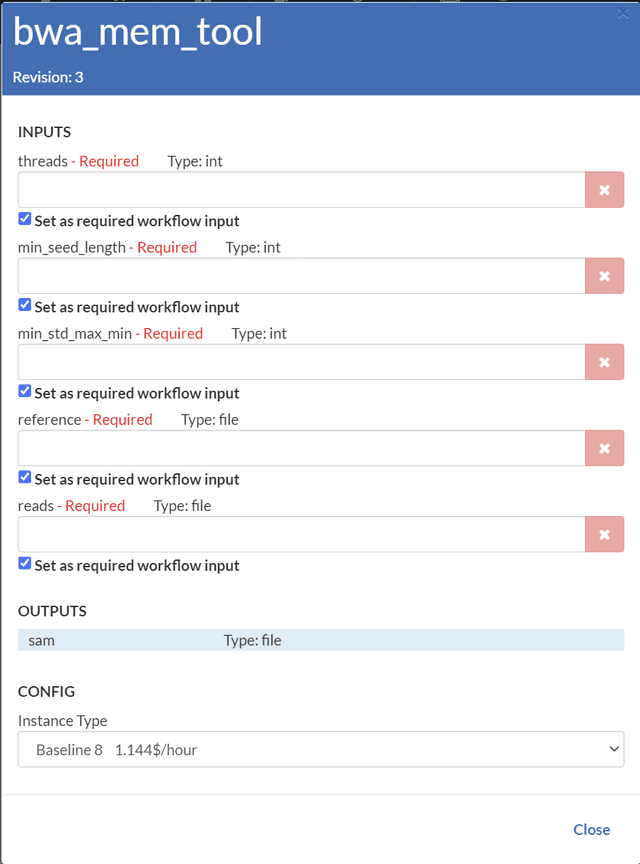
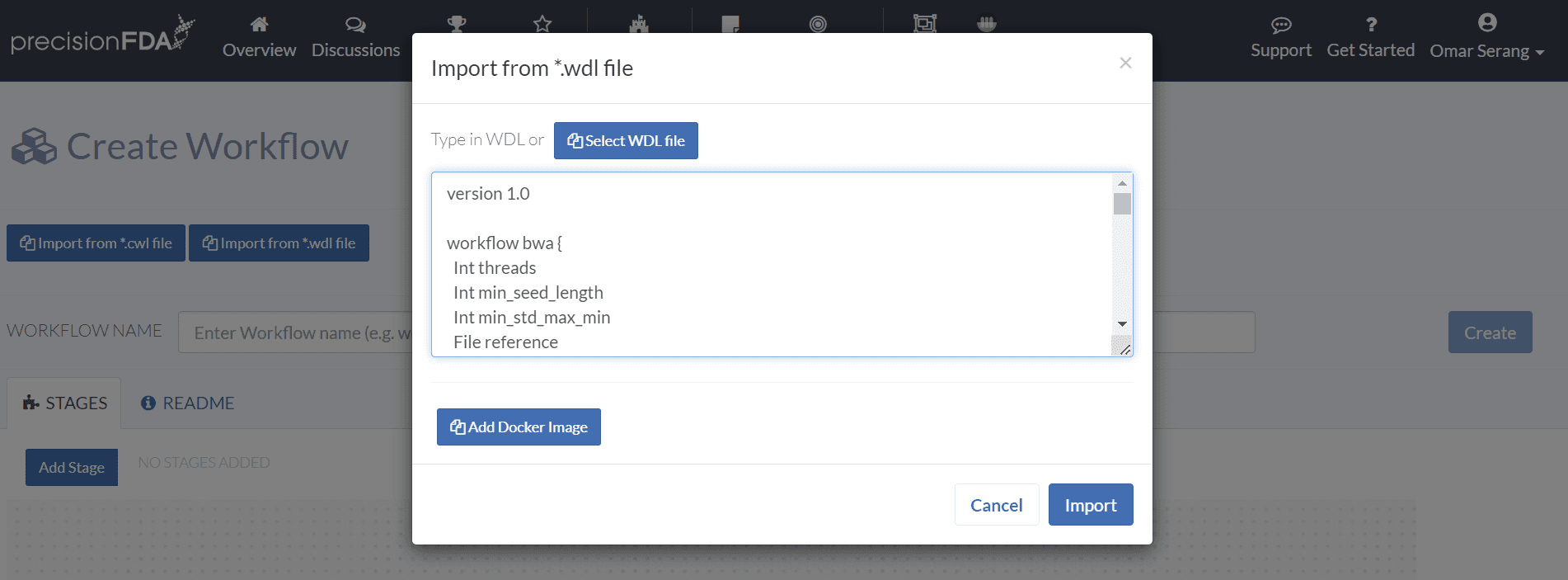
Importing a workflow from a WDL specification based on Docker images provides convenient way to express precisionFDA workflows in a serialized textual format. From My Home / Workflows, click the Create Workflow button, and click the Import from *.wdl file button. Enter the following WDL in the text input and click Import.
version 1.0

workflow bwa {
  Int threads
  Int min_seed_length
  Int min_std_max_min
  File reference
  File reads

  call bwa_mem_tool {
    threads = threads,
    min_seed_length = min_seed_length,
    min_std_max_min = min_std_max_min,
    reference = reference,
    reads = reads
  }
}

task bwa_mem_tool {
  Int threads
  Int min_seed_length
  Int min_std_max_min
  File reference
  File reads

  command {
    bwa mem -t ${threads} \
    -k ${min_seed_length} \
    -I ${sep=',' min_std_max_min+} \
    ${reference} \
    ${sep=' ' reads+} > output.sam
  }

  output {
    File sam = "output.sam"
  }

  runtime {
    docker: "broadinstitute/baseimg"
  }
}
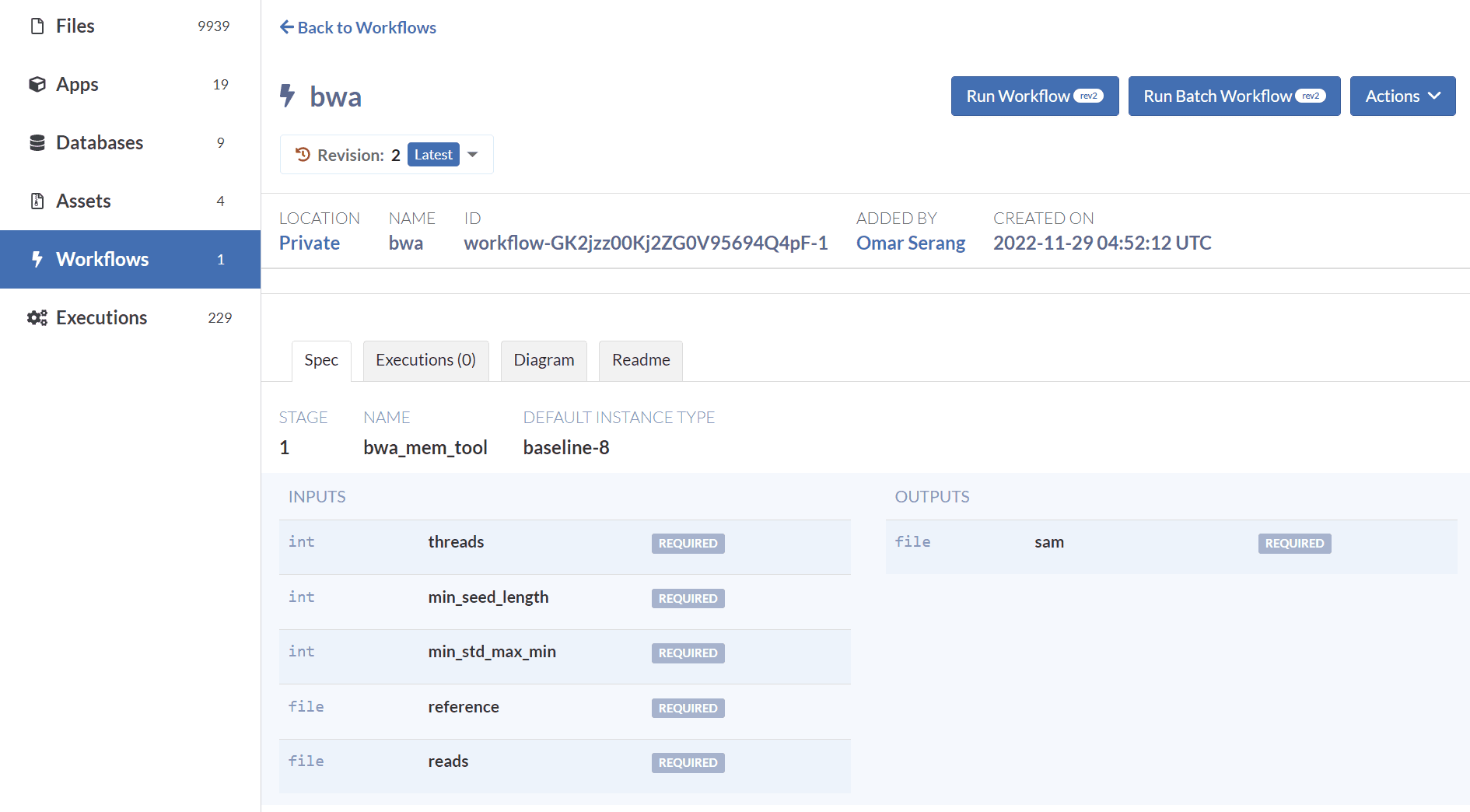
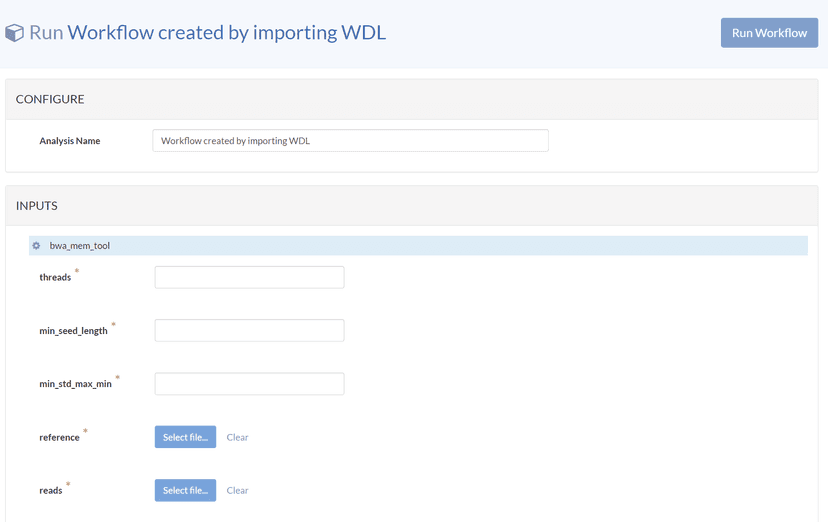
Like workflows created through the web inteface, WDL-based workflows can be updated and run.